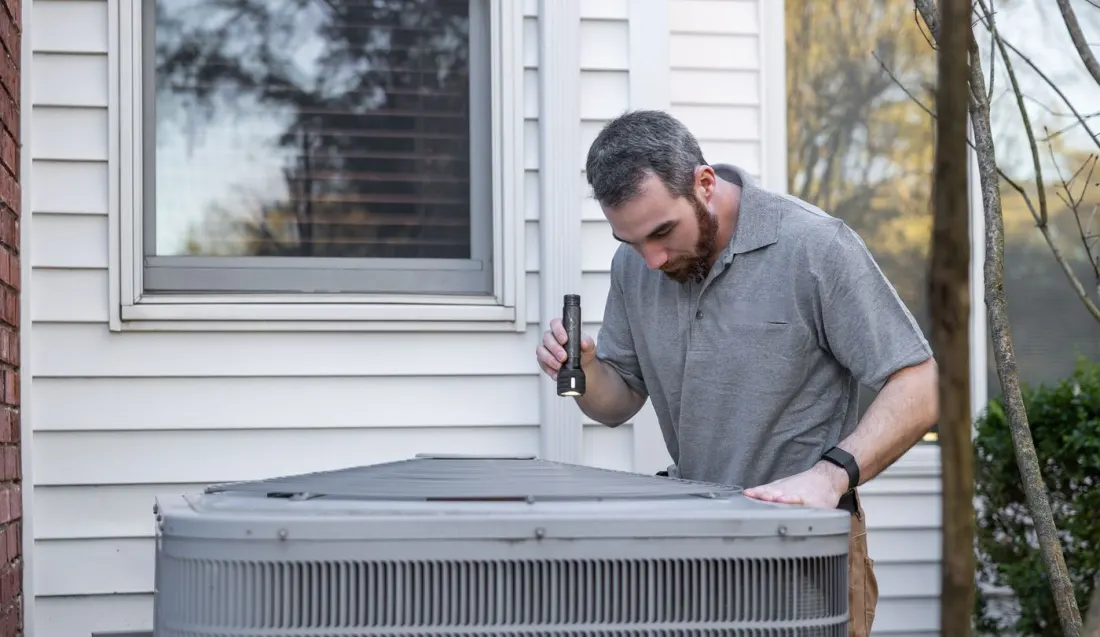

A real report from the app, for a made-up HVAC company. Scroll it.
A report they'll actually read, in their inbox before you leave.
It goes out the moment your tech submits. No office work, no second trip to a laptop.
- Your name at the top
- Your logo and colors, so it reads like it came from you.
- A summary in plain English
- The app drafts it from the checklist. Your tech reads it, edits it and sends it.
- Every reading and finding
- Grouped the way the job was done, so nothing gets lost.
- Photos of the real work
- What your tech saw and fixed, right in the report.
- Price, warranty, how to pay
- Your terms on every report, so nobody has to call and ask.
- A review ask from your tech
- Signed by the person who did the work, while the job is fresh.
How a job runs
Your tech does the first four steps on site. The fifth happens on its own.
- 1
Start the visit
Open the customer. The address and gate code are already there.
- 2
Work the checklist
A reading outside its range turns red. A “No” asks why.
- 3
Take the photos
If a required photo is missing, it asks before the report goes.
- 4
Review and submit
Check the summary, set the price, and submit.
- 5
The customer has it
The report and the review ask land in their inbox.
What it does
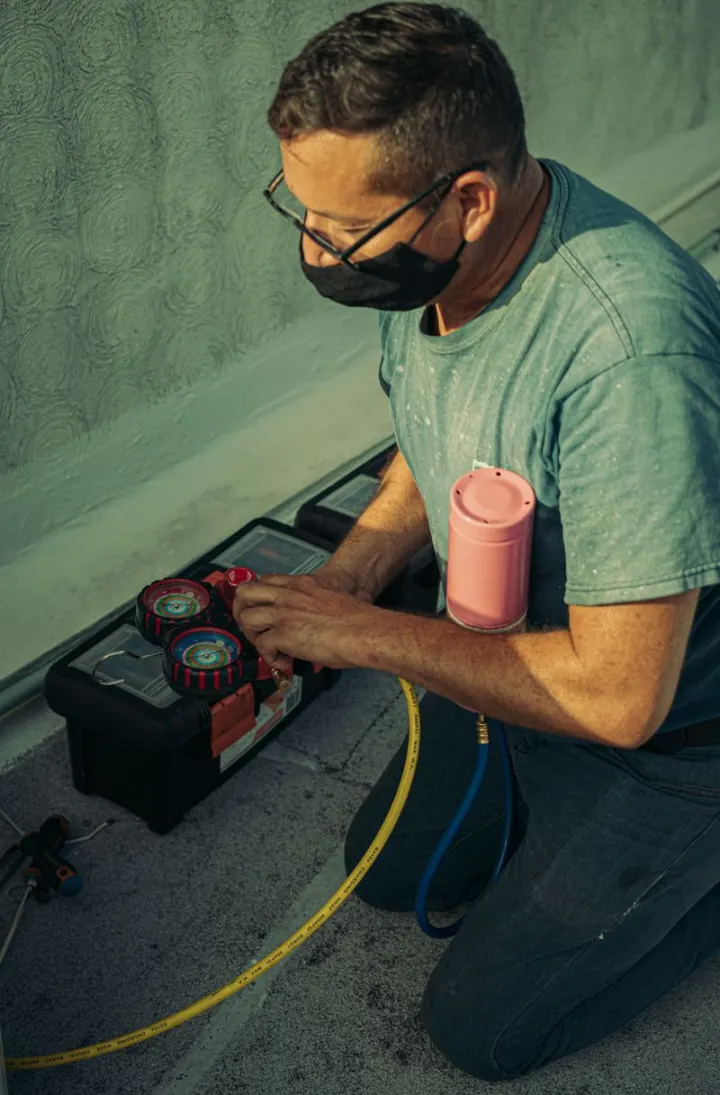 For your crew
- Checklists for your trade
- Zones, required photos and reading ranges, built around your work.
- Readings that flag themselves
- Type the number. It turns red when it's outside the range you set.
- The customer, already loaded
- Address, gate code and past visits, with no searching.
- Weak signal is fine
- Work saves as you go, and photos upload once you're back in range.
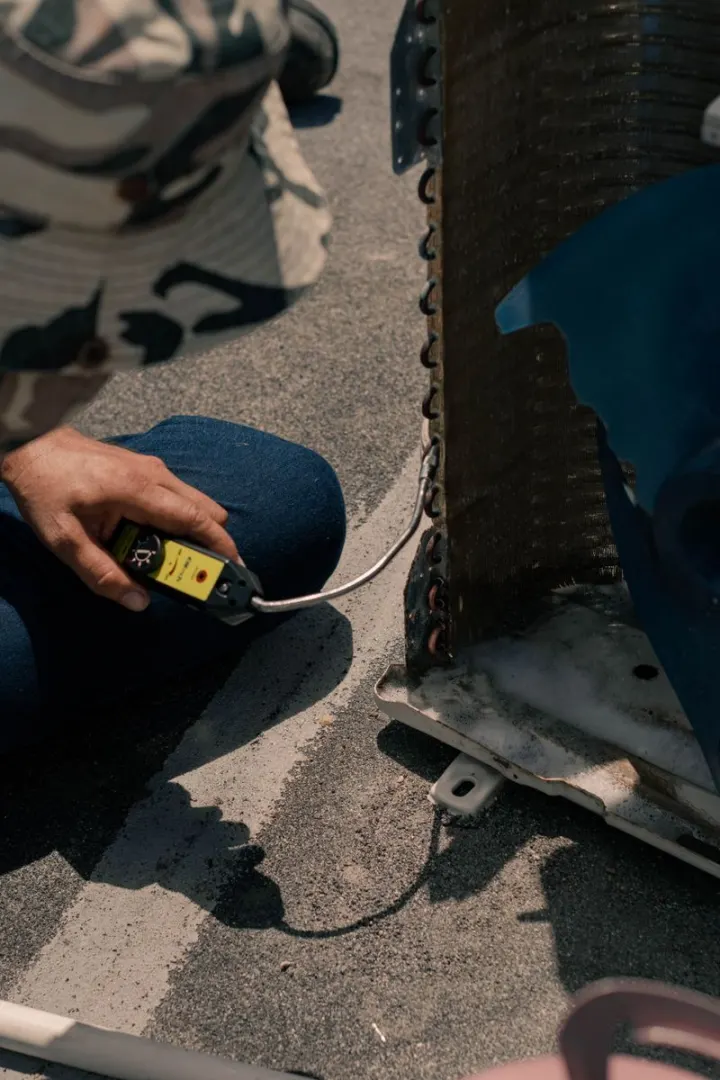 For your customers
- A branded report by email
- Your logo, your colors, and the photos from the job.
- A summary they understand
- Drafted from the checklist, checked by your tech.
- A link to the full report
- Easy to forward to a spouse, a landlord or a property manager.
- The review ask
- One tap to Google, right when they're happiest with the work.
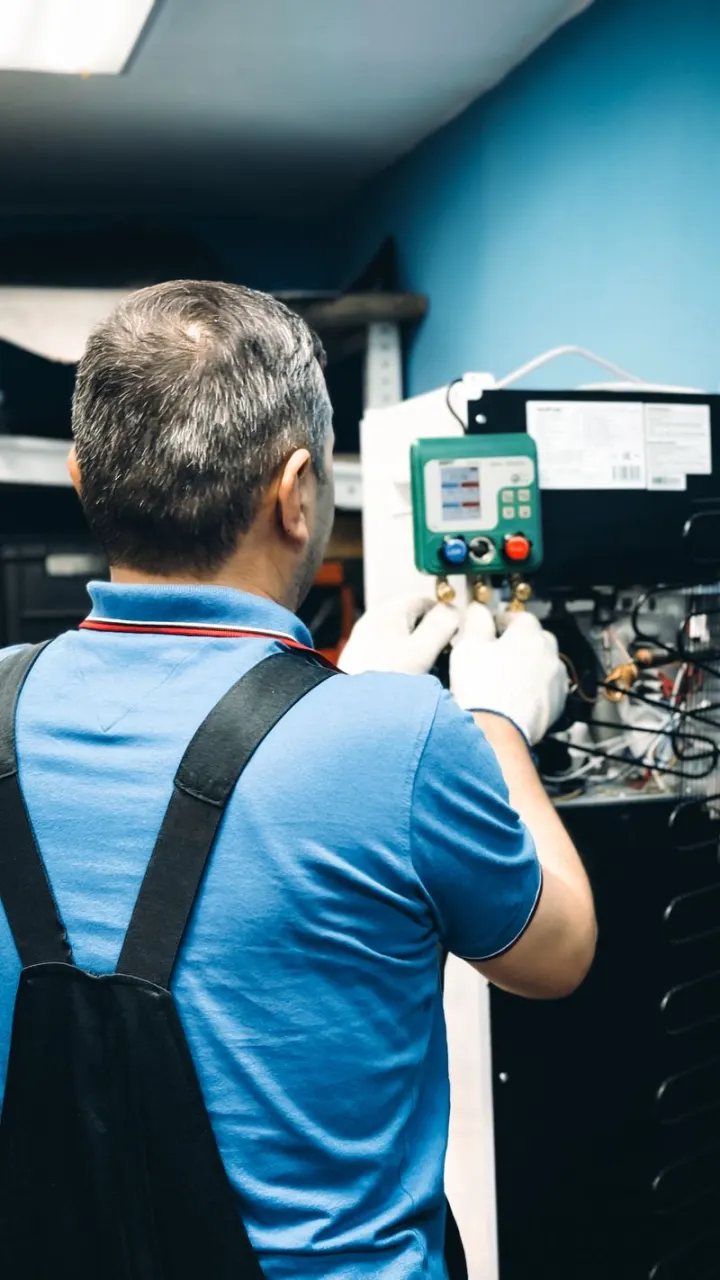 For you
- Your whole crew
- Invite your techs. Every report shows who did the work.
- Invoices your way
- Let the report be the invoice, or put several jobs on one.
- Know what's been paid
- Mark a job paid and send the customer a receipt.
- Checklists you can change
- Edit one any time. Changes save as you go.
Why it matters
Reviews and repeat customers are what actually grow a local trade, but the moment to earn them passes fast. A day later, the customer has moved on and the review never gets written.
LMW Field App catches that moment. The customer gets a professional report while the fresh work is right in front of them, and the review ask lands when they're most impressed. You did the work; it turns that work into reputation.
It's also the middle of the office I run for you. The invoice goes out from the same job, and with Bookkeeping, the payment lands in books I reconcile every month. On Pro Works, your job photos become your next Google, Facebook and Instagram posts. The whole office includes all of it.
Common questions
Is this a CRM I have to learn?
No. It's built to stay out of your way. Your crew opens it on site, works the checklist, and submits. There's no data entry back at the office.
Can the checklist match my service?
Yes. I build it around your work: zones, required photos, reading ranges and steps specific to your trade, so every job is done and documented the same way. You can edit it any time.
What does the customer actually receive?
A branded report by email: a plain-English summary of the visit (the app drafts it with AI and your tech checks it), the checklist with readings, the photos, the price, your warranty, and a friendly link to leave a Google review.
Does my crew need to download an app?
No. It runs in Safari or Chrome on the phones they already carry, straight from a link.
Which plan includes it?
Any of them. LMW Field App is an add-on to any plan: $79 a month billed annually, or $99 month-to-month, for up to 3 users, then $10 per user, with a $79 setup. It's billed with your plan, and it's already included in the whole office.
Turn finished jobs into reviews.
Book a 15-minute call and I'll show you how LMW Field App would fit your crew, from the checklist to the invoice.
Already a client? Read the getting-started guide or browse help and FAQs.